



Welcome to the Jaguar Owners' Club!
Membership is completely free, and our community is built by enthusiasts, for enthusiasts. We’re a proudly independent, non-official club, so all the help and opinions you’ll find here come directly from members with real experience of Jaguar Ownership from REAL people.
Join the club! Become part of the community!
Random Topics this week
-
I have been musing on what preventative work would be advisable (or indeed essential) in terms of undersealing or similar treatments (such as Lanoguard or other market leading options), especially as we are moving through autumn into what is likely to be another wet winter. I would therefore be interested to get recommendations for my car, and what treatment(s) other owners have gone for, and indeed any recommended specialists who could undertake the work.
-
-
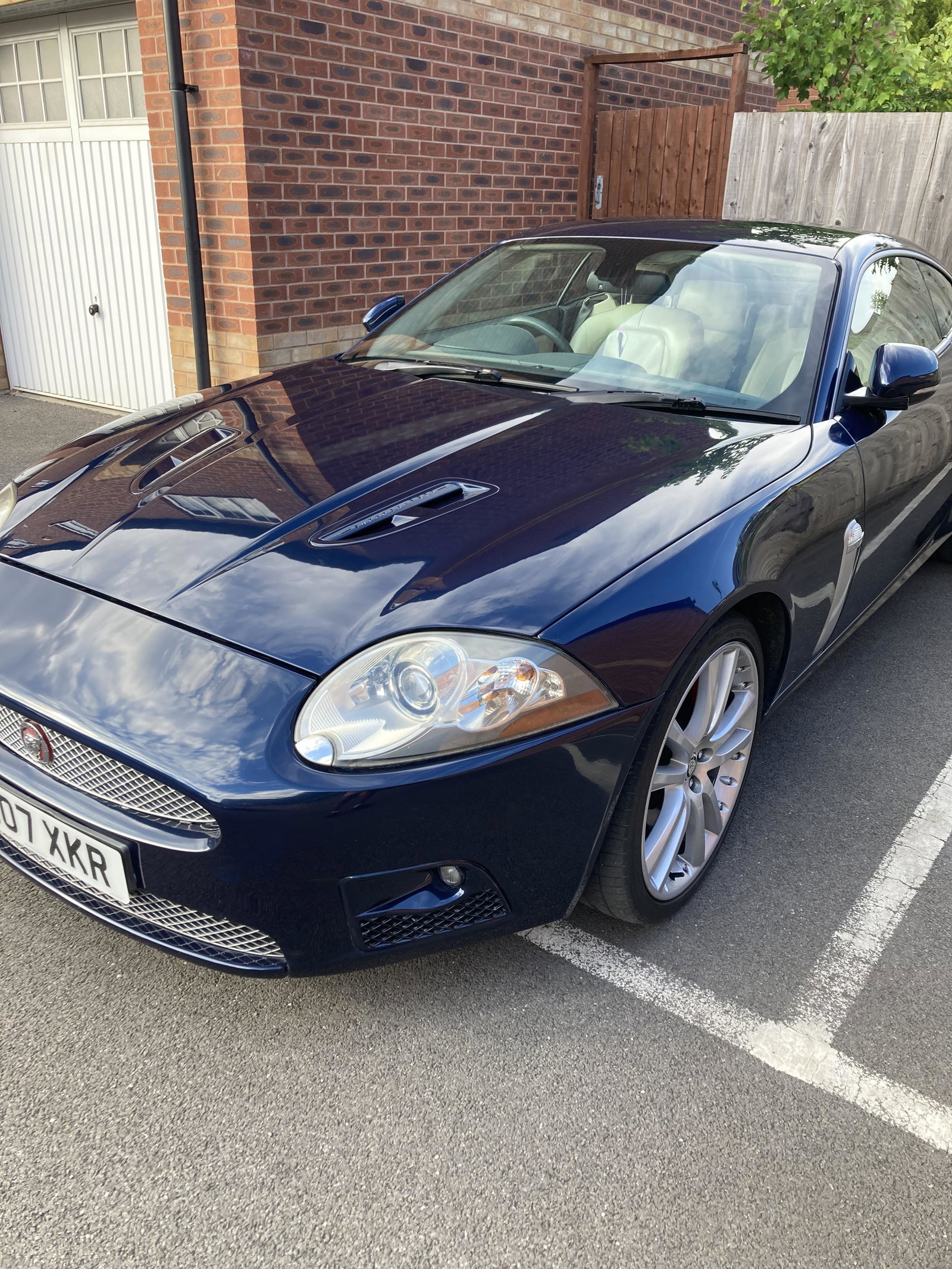
2007 Jaguar XKR 4.2 Supercharged Coupe – KM07 XKR – 123,800 Miles – £10,500 KM07 XKR – PRIVATE REGISTRATION INCLUDED I'm reluctantly offering my 2007 Jaguar XKR 4.2 V8 Supercharged Coupe for sale. £10,500 123,800 miles | Automatic | Deep Blue Metallic | Ivory Leather | Burr Walnut I've owned the car as an enthusiast/project car and have invested around £6,000 in recent repairs, maintenance and improvements. The intention has been to recommission and improve the car rather than simply run it as a
-
Hi guys, I took my XK8 in for it’s MOT on Monday, the car started fine, I drove it to the garage with no problems, the car passed the MOT with no issues, the examiner parked the car after he had finished and handed me the keys, I went to started it after paying the fee but the car wouldn’t restart. I have checked the fuses and relays but all seem fine, i also changed a few obvious things like the crankshaft sensor and fuel filter, but no luck. I know there are numerous things that it could be bu
-
jaguar xtype 2009 48633 miles 2.2 diesel full years MOT new sils both sides just been done new battery new alternator couple of small marks on paint work 3 keys perfect car for age car in east kilbride , glasgow £3000 ONO
-
Hi all, I'm considering a return to the Jaguar family and fancy an XF with the mild hybrid engine. I have a few questions though and am looking for some advice. A number of motoring sites seem to believe car build quality dropped after Covid so a 2018 or 2019 car might be a better bet than a 2021 or 2022 car. The articles related to all makes and models. Any opinions? - I'm aware some manufacturers invited hassle with the move to wet belts. Are there any known problems with the MHEV power unit?
-
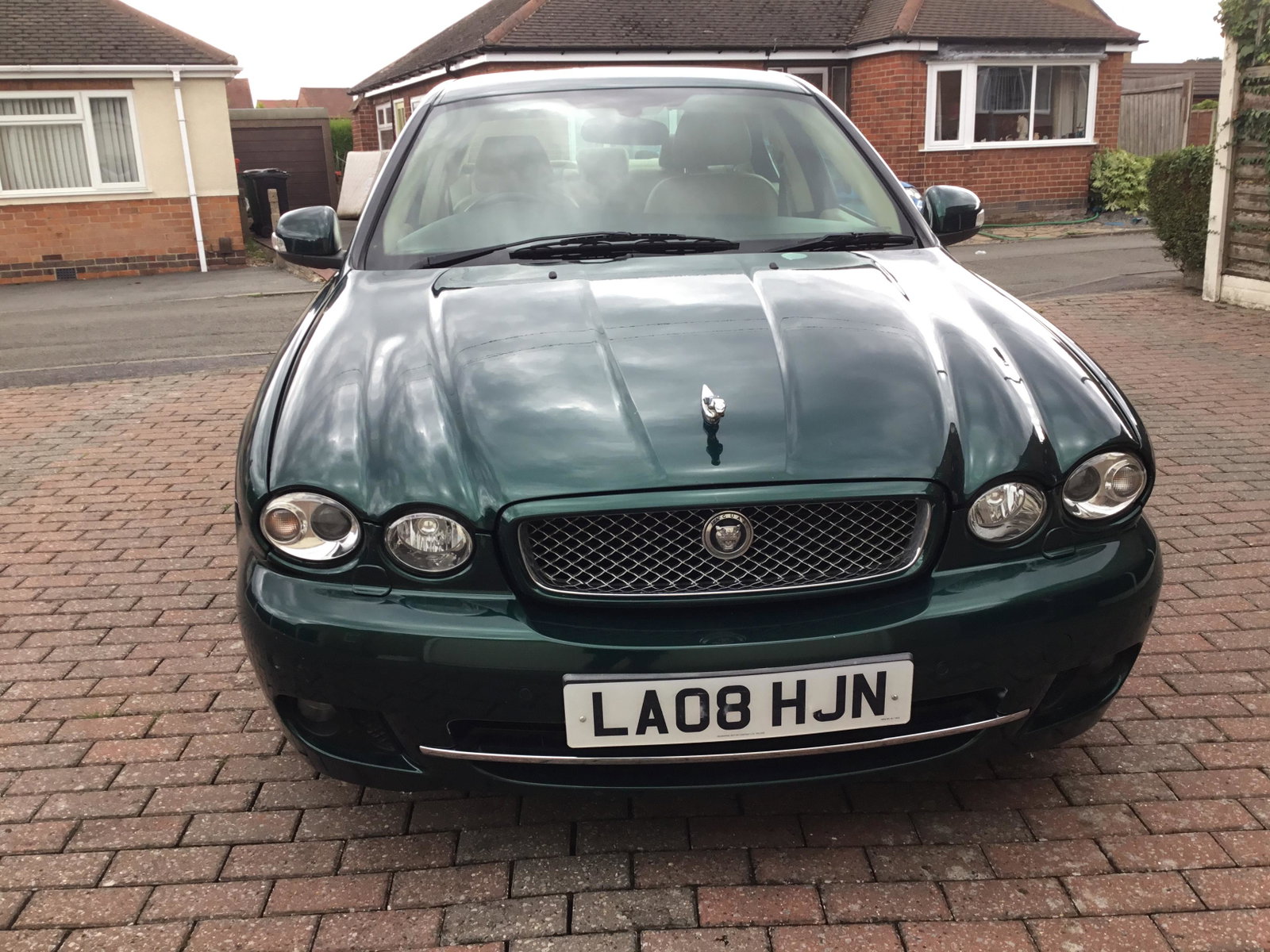
Jaguar x type 2.2, automatic, diesel, green, full history, MOT for 12 months £2000 21F2F40D-5F86-4E38-AF14-2292E1ED650A.mp4
-
Hi does anyone do a sat nav disc with maps from 2020 onwards. I see discs advertised for Denso Xf Xk etc but not XJ. My car is a 2009 XJ Steve W







IMG_3940.jpeg.6ec8251cc31b1a7fc06aeca50d4927dd.jpeg)




Latest Posts from the club!
-
Hi All We can confirm our seasonal opening hours will be as follows: Up until the 18thDecember: Normal hours. Saturday 19th December: Closed Sunday 20th December: Closed Monday 21st December: 9.00am – 3.00pm Tuesday 22nd December: 9.00am – 3.00pm Wednesday 23rd December: 9.00am – 3.00pm Christmas Eve: 9.00am – 3.00pm Christmas Day: Closed Boxing Day: Closed Sunday 27th December: Closed Monday 28th December: Closed Tuesday 29th December: 9.00am – 3.00pm Wednesday 30th December: 9.00am – 3.00pm New Years Eve: 9.00am – 3.00pm New Years Day: Closed Saturday 2rd January: Normal Hours Resume. Regards, Dan.
-
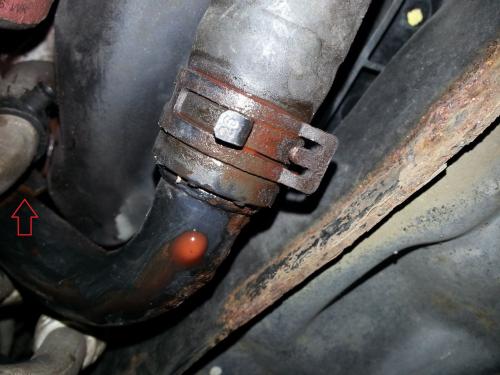
Pointed hose slightly leaking any ideas anybody?
-
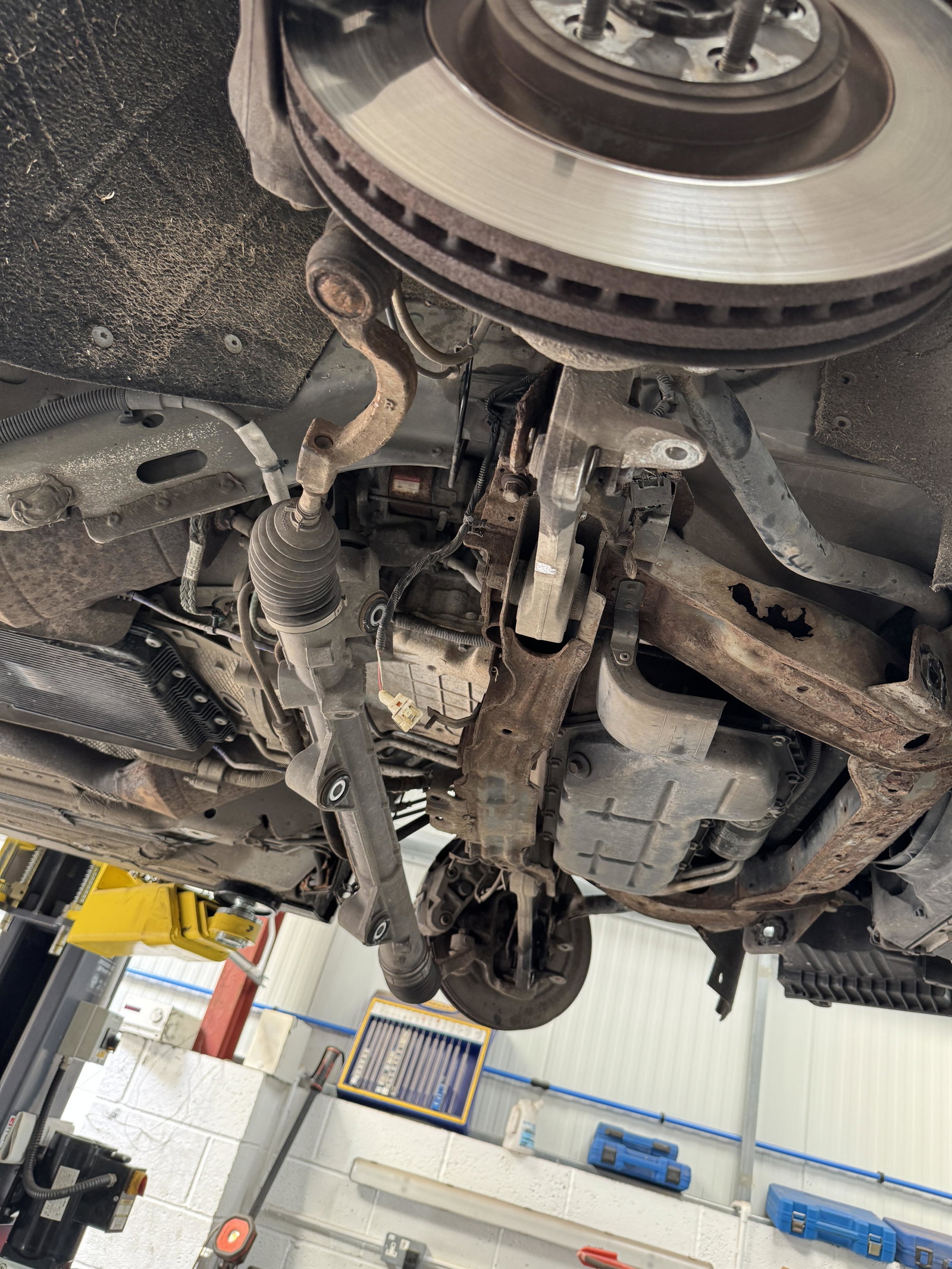
Just replaced my fluid and filter in zf8 at 126k miles, never been done. Fluid wasn't that bad but replaced with genuine zf8 lifeguard and filter pan. Done myself on ramp with topdon to monitor temps for final fill. All works well
-
Thank you
-
It clearly looks as though the system has been apart recently as the hose clamp is in another position from original placement. For information of the hose in question I would advise to contact Myton Jaguar Spares https://www.myton.parts/jaguar-parts
-
If the replacement control unit has the VIN written down, has it been done correctly, e.g. maybe they have a letter or number wrong then it won't agree with what the unit is programmed for
-
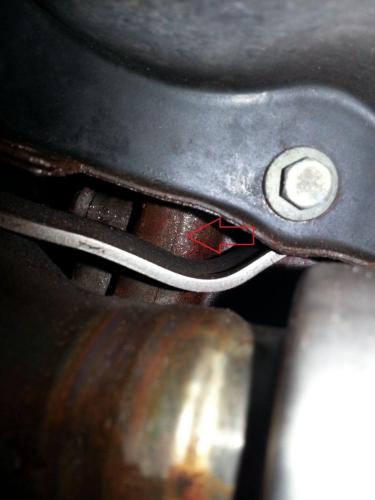
hi, I'm trying to identify this part… it’s appears to have a little leak having trouble finding it by catalog it seems to be a cooling system hose connected to a turbo intake and the leak is where I’m pointing on